Edit your video by editing the words.
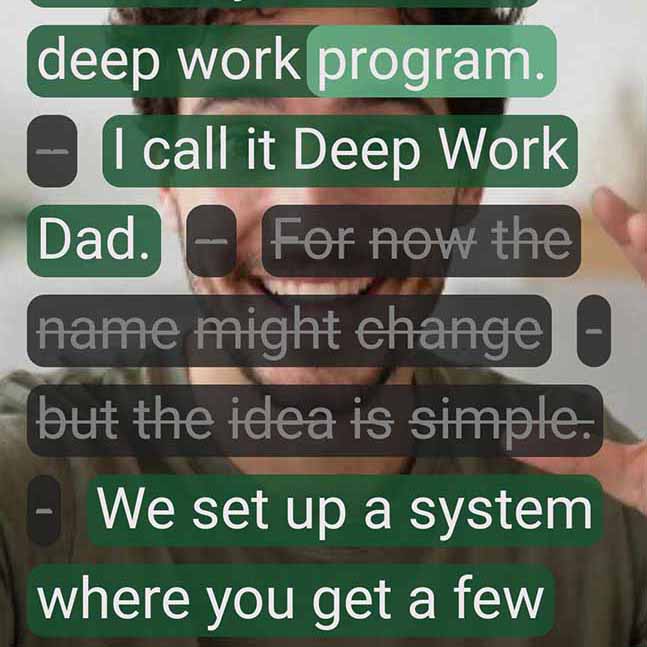
Tap any word or sentence in the transcript, and SpeechCut removes that moment from the video.
- Talk naturally once - no more endless retakes.
- Tap phrases you want to remove.
- Get a clean, ready-to-post clip in minutes.
- Transcription supports 90+ languages.
On iPhone? Join the waitlist.

Videos are essential
But sloooow to create...

Hunting for the perfect take
Stop mid-sentence. Restart from the top. Do it again. And again. Spend 2 hours getting one good take - if you're lucky.

Traditional video editors
Overly complex editors with timelines, layers, and tools you'll never use. Spend hours learning instead of creating.
SpeechCut gives you
OPTION #3
How SpeechCut works
Three simple steps from recording to ready-to-post content.
Record or import your video
Record yourself talking like you normally would, or import an existing clip.

Edit by transcript
Tap words and phrases to remove mistakes, tangents, and filler.
Export and post
Get a polished vertical clip ready for Reels, TikTok, Shorts, or LinkedIn.
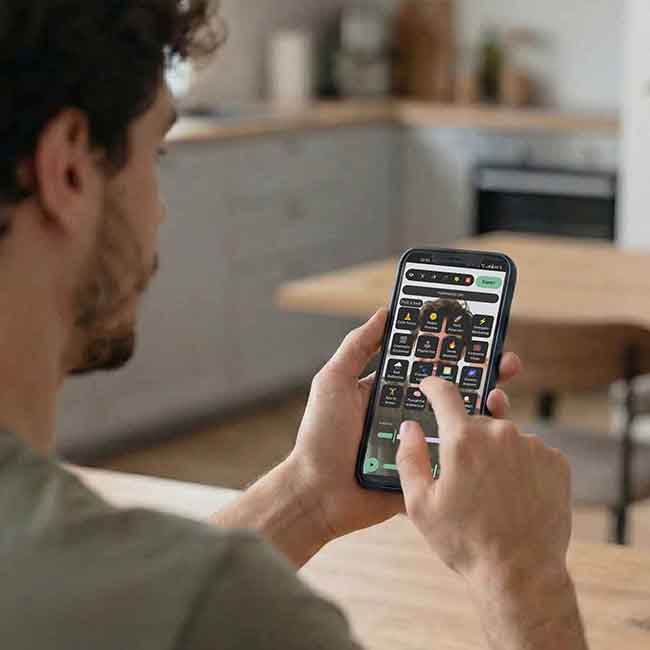
Built for people who love their craft - not video editing.
SpeechCut helps experts and creators get their message to the world without getting bogged down in overly technical layered timeline jargon.
Business owners
Share updates and promotions to get more customers.
Founders
Ship updates, learnings, and product videos faster.
Coaches & Experts
Turn your knowledge into short, watchable clips.
Personal brand builders
Publish consistently without the editing burnout.
One-stop shop
for your content
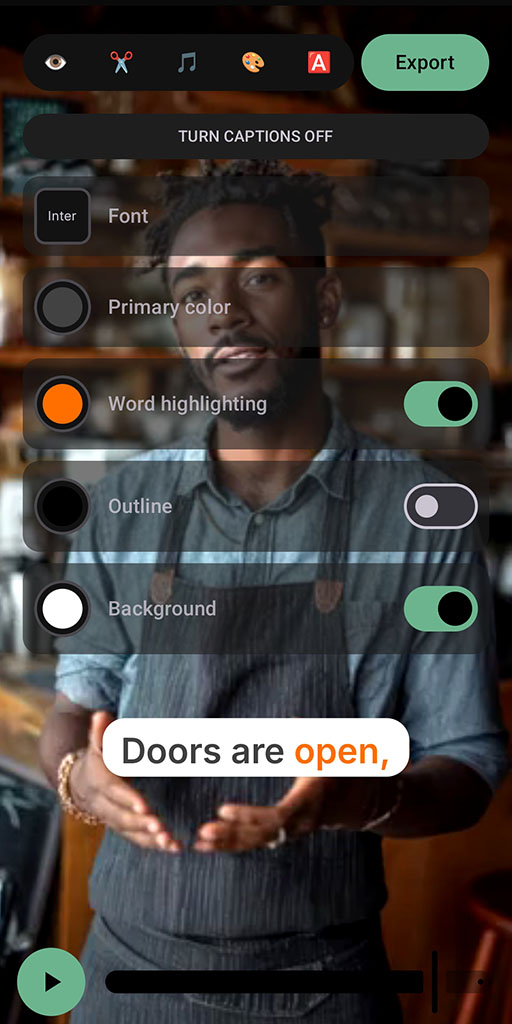
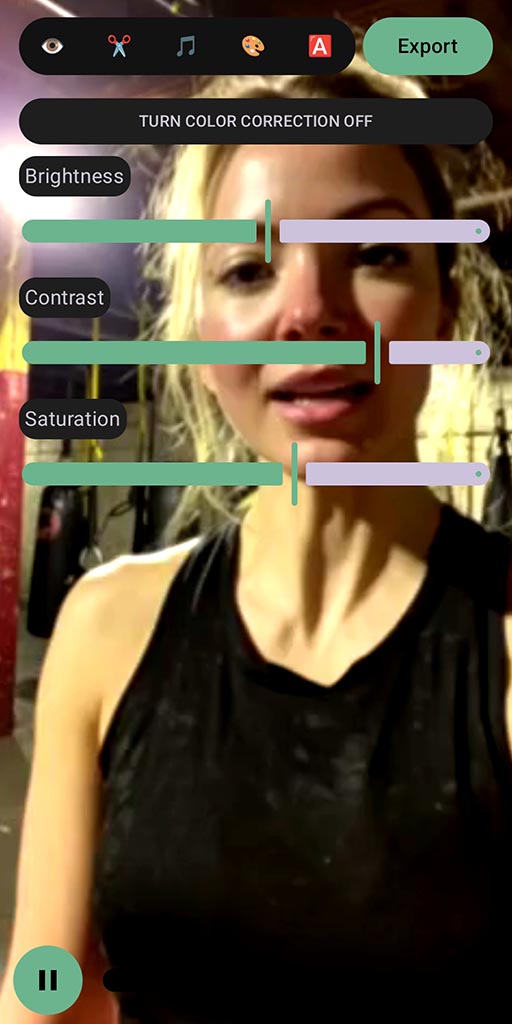
Professional finishing touches made simple.

Frequently Asked Questions
Why choose SpeechCut over Descript or CapCut?
SpeechCut is purpose-built for mobile-first, speech-based short videos. Our focused approach means a simpler, faster workflow optimized for creating authentic content on your phone.
What platforms does it run on?
SpeechCut is currently available on Android. iOS and desktop versions are planned for the future. Join the iOS waitlist to get notified when we launch.
Do you use AI?
Yes. SpeechCut uses AI to transcribe your speech and line up the cuts so you can edit by tapping words instead of dragging clips. We don't generate fake video or pretend to be you - you stay in control of what stays in the final edit.
Can I still fine-tune edits?
Yes, you can toggle individual words and phrases. SpeechCut is designed for talking-head clips, not full movies - it gives you just enough control to shape your message without overwhelming complexity.
What does it cost?
SpeechCut offers a free tier with unlimited low resolution exports and 3 full quality exports included. For unlimited full quality exports, upgrade to our Premium plan for €9.99/month.
How do you protect my privacy?
Your video stays on your device. For transcription, SpeechCut sends the extracted audio, the language you selected, and any optional workspace glossary or keyterms to ElevenLabs. Video frames and files stay local. Optional features can also send text to Groq for project-name suggestions, proofreading, SmartCut, and script enhancement. SpeechCut does not sell your content or use it for training. See our Privacy Policy for full details.
Your message matters.
Your time matters too.
Let's get your voice out there - clear, authentic, and engaging.
Free tier available • €9.99/month for unlimited full quality exports