
The problem
Creating videos is essential - but traditional editing tools push you into timelines, layers, and endless retakes.
- Retake spirals: “start over from the top”
- Timeline friction: tiny cuts, zooming, dragging
- Editing burnout that kills consistency
The SpeechCut way
If you can edit text, you can edit video. SpeechCut aligns your words to your footage so edits are as simple as toggling phrases.
- Talk naturally once
- Tap words to remove them from the video
- Export a clean clip and post
Three steps
From raw recording to ready-to-post in minutes.
Record or import
Talk naturally once (or import an existing clip). No “perfect take” required.

Edit by transcript
Tap words and phrases to remove mistakes, tangents, and filler. Toggle to bring anything back.
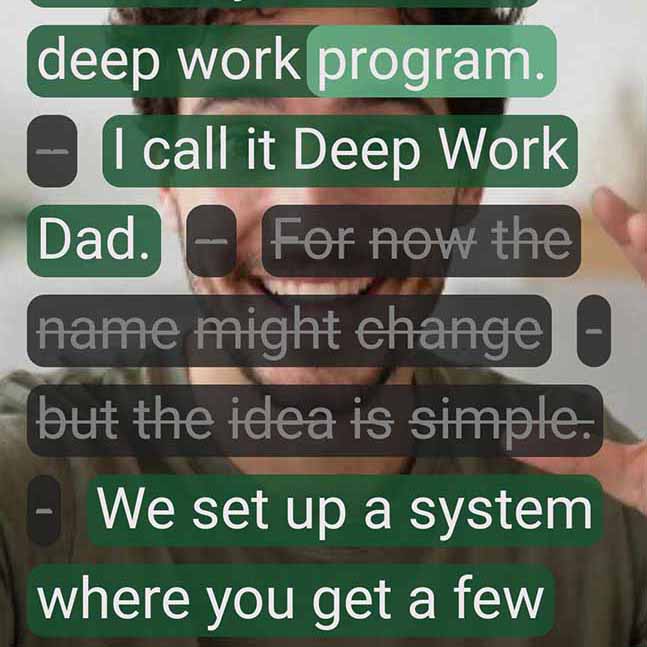
Finish & export
Add captions, music, and basic polish. Export a vertical clip ready for posting.

What "edit by words" looks like
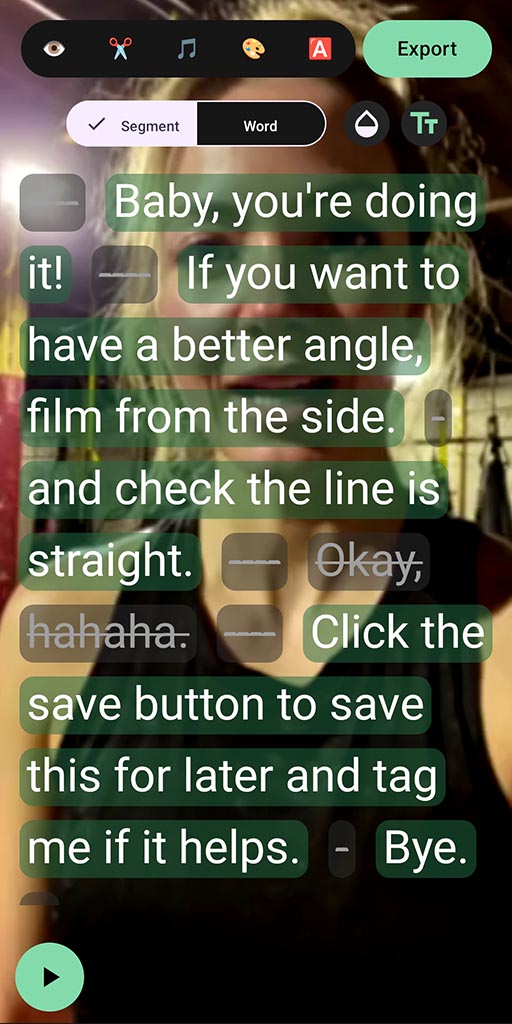
SpeechCut turns your speech into an interactive transcript. Your edits are simple toggles — not tiny timeline cuts.
- Tap words and phrases to remove them from the video
- Bring anything back by toggling it on again
- Captions stay in sync as you edit
Transcription supports 100+ languages.
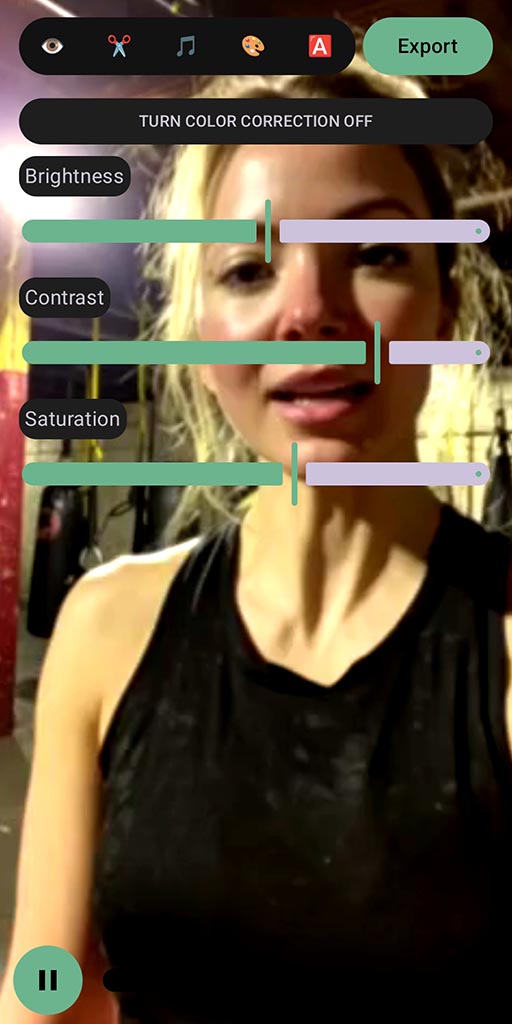
Finishing touches (optional, but fast)
When the message is clean, add simple polish — without turning it into a project.
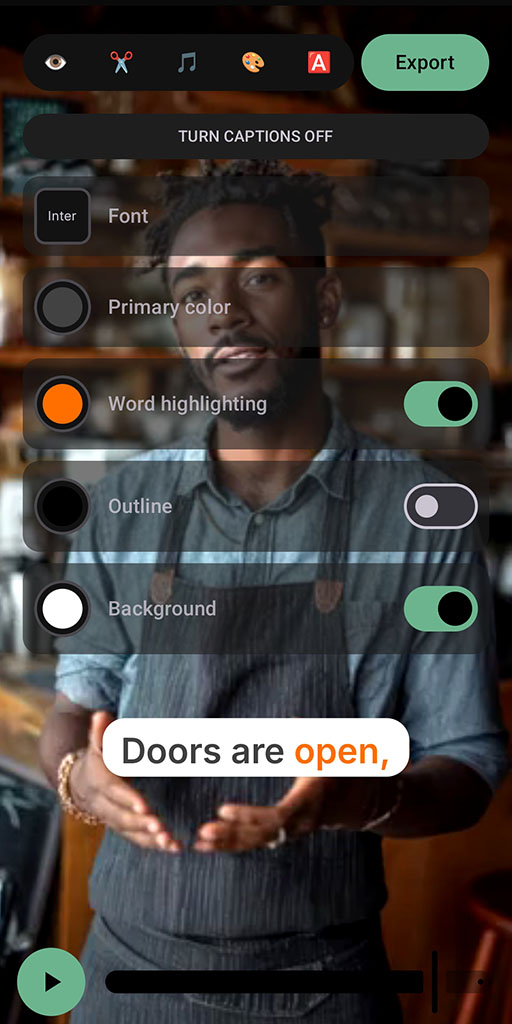
Captions
Customize your caption style, and keep everything in sync as you make cuts.

Is SpeechCut for you?
It’s designed for speed and simplicity — especially when speech drives the edit decisions.
Best if you…
- Create talking-head or speech-led short videos
- Want to fix mistakes and tangents without retakes
- Prefer a mobile-first workflow (Android today)
Not the best fit if you…
- Need a desktop NLE for complex multi-layer edits
- Want a “do everything” pro editor replacement
- Edit long-form film-style projects
FAQ
Try it on your next video
Talk naturally once. Then cut your transcript. Post a clean clip today.